Portrait artist
Two consenting adults want to explore a different face in an existing portrait.
Identify the source likeness and target portrait separately; keep pose, clothing, and background in the edit brief.
face ai description generatorCreative face editing
An ai face swap aims to place one person's facial appearance into another image or video while retaining the surrounding scene. Faceai explains the workflow so you can judge whether this focused edit—or a broader face AI project—fits your idea.
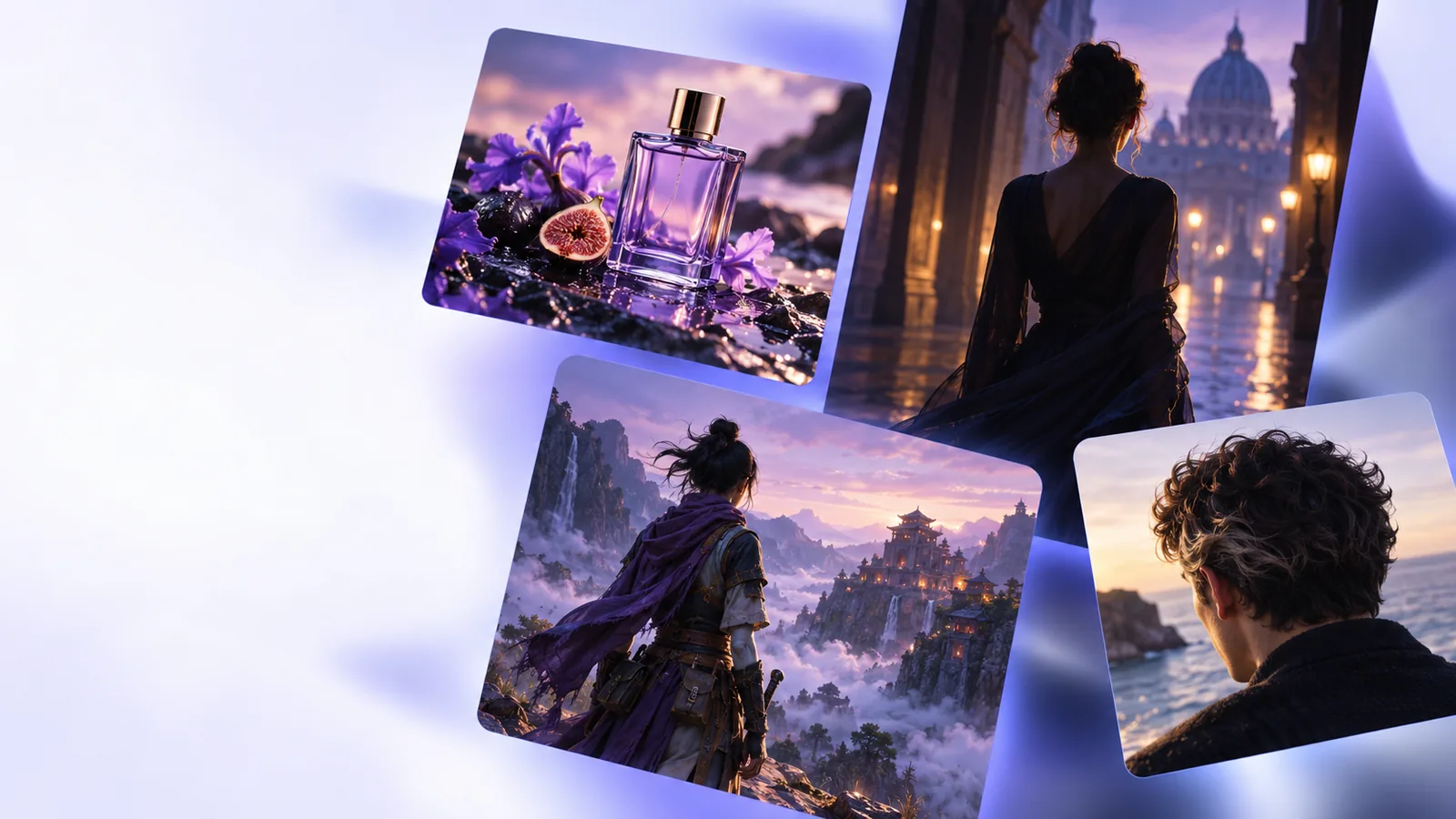
A swap starts with an identity-change brief. General face AI may instead involve generating a new portrait, describing a face, or developing a video concept.
A focused brief identifies whose likeness is involved, what should stay from the target scene, and how the result should be checked. These examples show where that distinction matters.
Two consenting adults want to explore a different face in an existing portrait.
Identify the source likeness and target portrait separately; keep pose, clothing, and background in the edit brief.
face ai description generatorA permitted likeness needs to remain recognizable across a moving scene.
Review the entire sequence for shifting features rather than judging a single attractive frame.
face swap videoThe project calls for a fictional face and a new setting, not someone else's likeness.
Treat it as a generation brief; replacing an identity would add an unnecessary source image.
face ai video generatorA teammate is choosing between an identity edit and a fresh portrait concept.
Agree on consent and the intended change before selecting an online workflow.
face swap ai onlinePreparation matters more than an elaborate prompt. Keep your source, target, and permission decisions distinct before exploring any tool.
Use your own likeness or obtain clear consent from the person depicted. Decide how the edited image may be shared, especially if viewers could mistake it for an authentic photograph.
Select clear source and target images with similar face angles, lighting, and visible features. A heavily obscured face leaves too little information for a convincing edit.
Check eyes, hairline, skin boundaries, and expression against the original scene. For video, review motion frame by frame where lighting or head position changes.
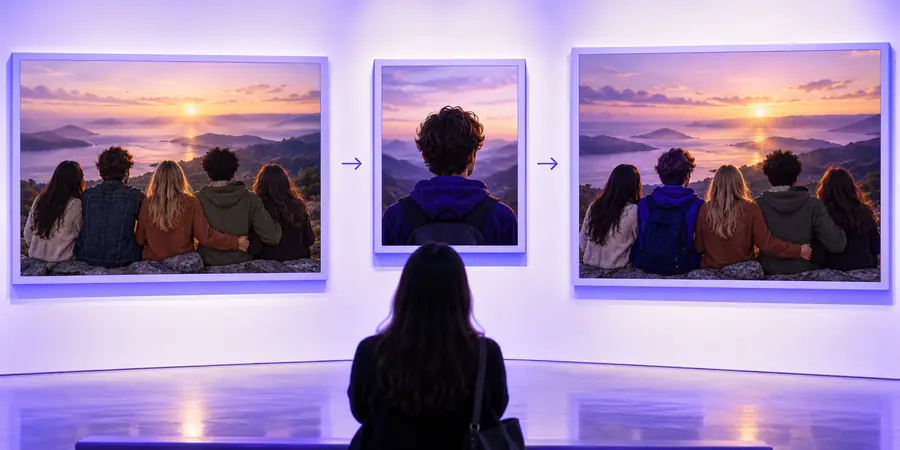
Use the image pair as a visual planning aid, not as proof of a result from the linked platform.
These are illustrative images, not a verified before-and-after output. In a real comparison, look for changes to the face without unintended changes to clothing, pose, or background.

A good description cannot resolve missing visual information, grant permission, or establish that a depicted event really happened.
A technically plausible edit may still misuse someone's likeness or mislead an audience.
WorkaroundGet explicit permission and label a shared result as edited when its status might be unclear.
Sunglasses, hair, extreme angles, and low-resolution references can obscure the features needed for a coherent edit.
WorkaroundUse clearer, permissioned references or choose a newly generated fictional character instead.
A face that appears consistent in one still can drift as a subject turns, speaks, or passes through changing light.
WorkaroundReview the full sequence and revise or discard frames that visibly break continuity.
A swapped portrait is creative media, not evidence that the source person appeared in the target scene.
WorkaroundKeep original files and context available when authenticity matters.
The difference is the job you are asking a tool to do. This table compares project briefs, not guaranteed features of the platform reached through the CTA.
Focused swap brief
General face AI brief
Focused swap brief
Change whose face appears in an existing scene
General face AI brief
Create, describe, or develop face-related media
Focused swap brief
A permitted source likeness and a target scene
General face AI brief
A concept, reference, script, or existing image
Focused swap brief
A specific likeness is central to the request
General face AI brief
A specific real person's likeness may not be needed
Focused swap brief
The target scene's pose and setting are usually intended to remain
General face AI brief
The scene can be invented or changed throughout
Focused swap brief
Facial boundaries, lighting, and likeness consistency
General face AI brief
Whether the overall portrait or video meets the brief
Focused swap brief
Confirm rights to use the depicted person's likeness
General face AI brief
Confirm rights to any references or media supplied
If your idea is a portrait or video concept, take your brief to the linked creative platform. Faceai does not verify that the destination offers face swapping; check its available tools before supplying images or personal likenesses.
Explore video toolsIt is a type of edit intended to change the face visible in a target image or video using another likeness as a reference. The surrounding pose and scene are usually meant to remain recognizable, although results depend on the material and tool.
Clear, well-lit images with visible facial features make changes easier to assess. Similar angles help you spot whether the edit preserves the target scene rather than unintentionally changing the whole portrait.
Video adds movement, expression, and changing light, so a convincing still frame does not guarantee a consistent clip. Review the full sequence, particularly turns and close-ups.
Get the person's permission before using their likeness, and consider how the result could be interpreted when shared. Do not present an edited image as evidence of something that happened.
No. The CTA opens a separate creative platform, and this page does not verify a particular swap feature there. Check its current tools and terms before submitting a project.