FFaceai

Video planning

Shape your next clip with a face ai video generator

A face ai video generator starts with a clear idea of who appears, what happens, and how the shot should feel. Faceai helps you frame that idea before you explore video creation options.

Check options at the destination
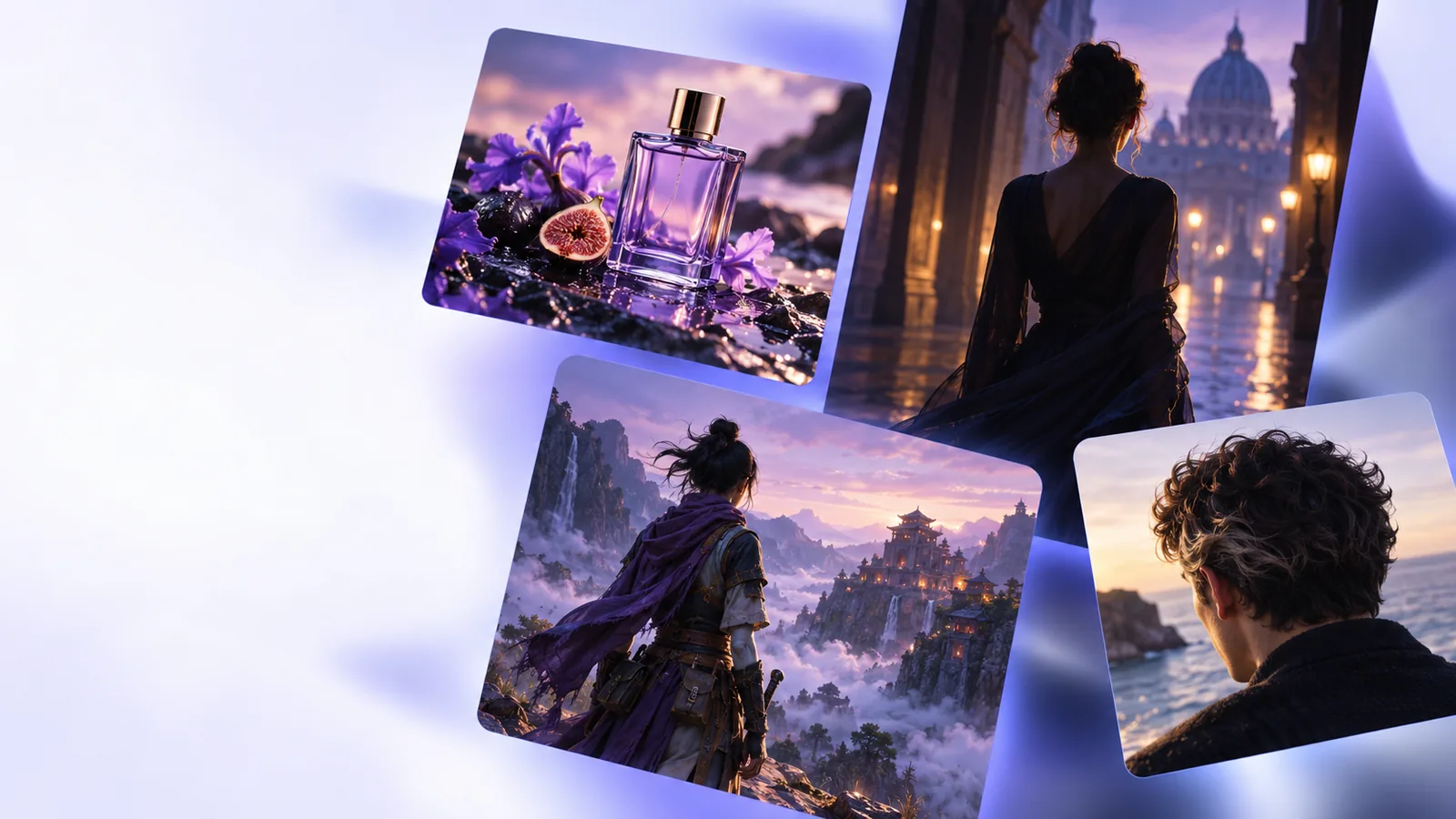
Faceai landing visual for face-led creative ideas

Use a face ai video generator brief to turn a vague portrait idea into a specific scene you can assess, revise, and discuss. These related guides cover different starting points.

Creative starting points

Three mechanisms for face-led clips

A useful brief separates the person, the action, and the camera treatment. The emphasis changes with the creator’s job; these examples show what to specify rather than promise a particular output.

Social video creator

You want a presenter-style opening with a friendly expression and room for a headline.

Describe the framing, expression, background, and intended text placement before assessing any generated footage.

face ai description generator

Small-team marketer

A campaign needs a consistent on-camera character across several short concepts.

Write down the character’s visible traits and the changes allowed between scenes; check continuity during review.

face ai description generator

Video editor

You already have footage and are considering a different face for one shot.

Treat replacement as a separate editing task, with permission from everyone whose likeness is involved.

ai face swap

Storyboard artist

A scene needs several expressions before anyone commits to a finished cut.

Plan each beat and compare the resulting frames for identity, lighting, and emotional consistency.

ai face swap

Step-by-step

Plan the scene first, then use the destination’s available options to test it. The prompt below is a creative brief, not a guarantee that every requested detail can be produced.

  1. 1

    Define the subject and permission

    Choose a fictional character or a person who has agreed to the proposed use of their likeness. Note recognizable features, clothing, and the expression you need without implying that you represent a real person without consent.

  2. 2

    Describe one visible action

    Give the subject a simple movement, such as turning toward the camera or gesturing to an object. Add the setting, framing, and lighting so the motion has a clear visual context.

  3. 3

    Review before sharing

    Check face consistency from frame to frame, hands and edges, unintended changes in identity, and whether the final cut conveys what your brief intended. Revise the concept or edit the footage where needed.

Choose the right starting point

Generating a new face-led scene and changing a face in existing footage are different jobs. This planning comparison helps you pick the appropriate brief; it does not describe guaranteed product controls.

1

Starting material

New scene concept

A written scene idea and, where permitted, visual references

Existing-footage face change

A source clip and an authorized face reference

2

Main objective

New scene concept

Establish a subject, setting, and action

Existing-footage face change

Alter the face while preserving the surrounding shot

3

Most useful brief

New scene concept

Appearance, movement, camera view, and mood

Existing-footage face change

Source timing, target identity, and continuity requirements

4

Primary review

New scene concept

Does the scene communicate the intended idea?

Existing-footage face change

Does the replacement stay coherent as the head moves?

5

Consent question

New scene concept

May this likeness be depicted in the scene?

Existing-footage face change

May both the source footage and replacement likeness be used?

6

Likely follow-up

New scene concept

Refine the concept or edit the resulting clip

Existing-footage face change

Inspect individual frames and make editorial corrections

Reality checks

Limits and edges

A strong prompt makes an idea easier to evaluate, but it cannot remove the practical and ethical checks that come with face-led video.

  • A prompt cannot grant consent

    Describing a real person does not establish permission to depict, imitate, or publish their likeness.

    WorkaroundUse a fictional character or obtain clear permission for the specific use before proceeding.

  • Identity may drift in motion

    Expressions, head turns, occlusion, and changing light can expose inconsistent facial details across frames.

    WorkaroundKeep the action focused and inspect the full sequence rather than judging only a still frame.

  • Text and small details need checking

    A brief cannot ensure that tiny lettering, accessories, or background elements remain accurate throughout a clip.

    WorkaroundAdd important text in an editor and verify any product or brand details before publishing.

  • This page cannot verify tool availability

    Output formats, duration, access terms, and specific controls depend on the destination’s current offering.

    WorkaroundCheck the available options and terms at the destination before planning a final deliverable.

Bring your brief together

Give the scene a clear direction

Start with a person you have permission to depict, one visible action, and a setting the viewer can understand. Then explore the available video options and review any result before you share it.

Explore video creation
  • Specify subject, action, and camera view
  • Check consent and frame-to-frame consistency

Video generation FAQ

Common questions about planning face-led video, choosing source material, and assessing the result.

Identify the subject, one action, the setting, and the camera view. Add lighting or mood if it affects the story, but keep the request focused enough that you can judge whether the result follows it.

Not necessarily: you can begin by writing a character and scene description. If you use someone’s photo as a reference, make sure you have permission and check which inputs the destination actually accepts.

No. A new-scene brief describes the whole shot, while a swap starts with footage that already exists and calls for a change to the depicted face. The source material, consent checks, and visual review differ.

Do not assume perfect consistency. Review the whole clip for changes during turns, expressions, or lighting shifts, and revise or edit the work if those changes undermine the scene.

Use a real person’s recognizable likeness only with appropriate permission for the intended depiction and distribution. A written prompt does not replace that permission, and misleading impersonation can harm the person depicted.

Start creating
Start creating