FFaceai

Build a portrait prompt with a face ai description generator

A face ai description generator helps you put a visual idea into words before you make a video. Start with observable features, then add expression, lighting, framing, and motion.

Free to start · no signup
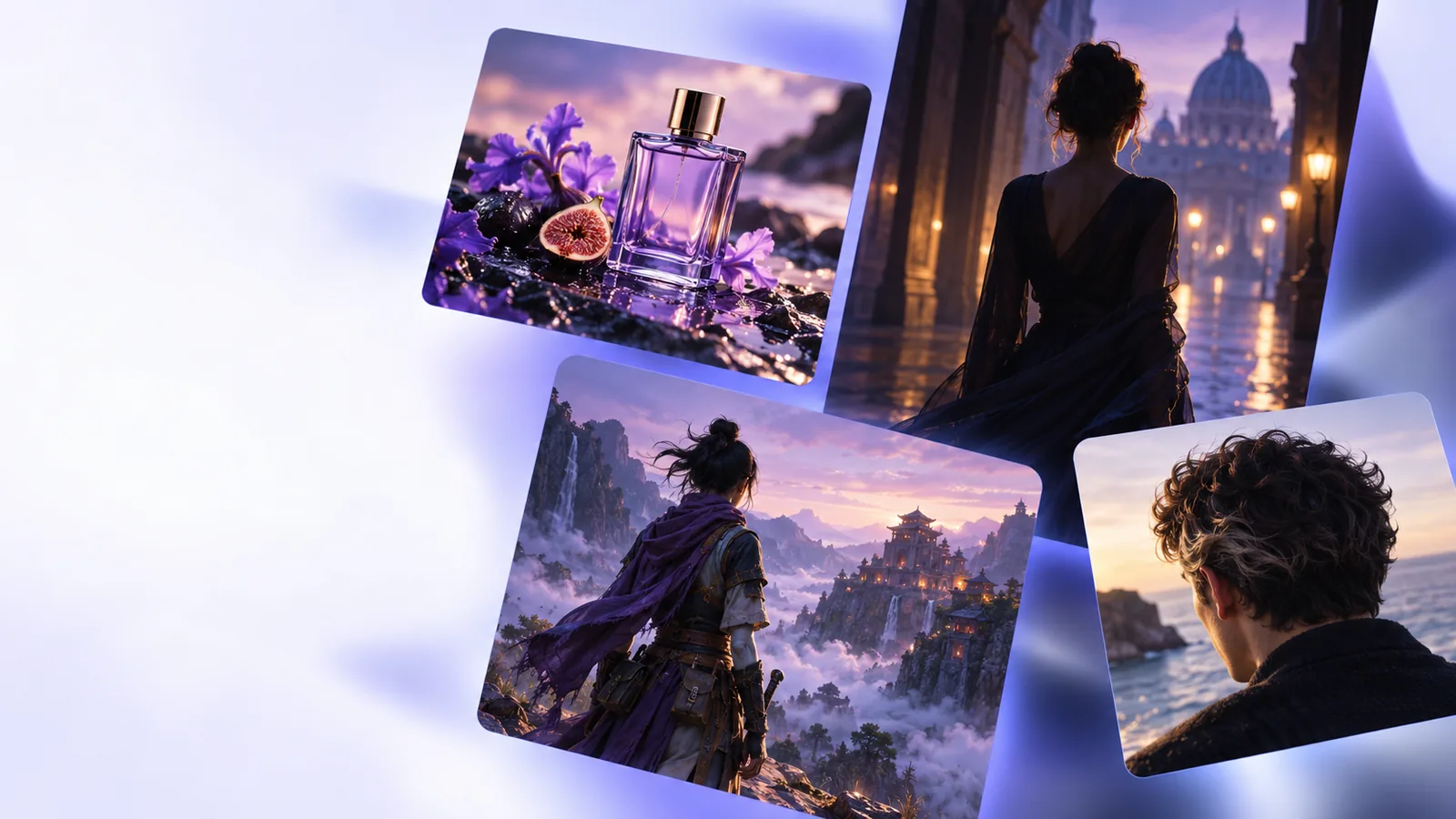
Portrait imagery illustrating a face-focused creative prompt

You do not need to know technical camera terms. Decide who the subject is, what the viewer should notice, and whether your intended result is a still portrait or a moving scene.

One full run-through

Suppose the idea is a friendly presenter in a short introduction. Start with a fictional adult subject, add two distinctive features, choose an expression, and describe the shot. These four creators would each change one part of that brief.

Short-form video creator

The presenter needs to greet the viewer. Write: adult presenter with dark curly hair and round glasses, looking into the camera with a relaxed smile. Add a steady medium close-up and gentle head movement rather than a long list of facial measurements.

The result is a prompt that connects appearance to an action on screen. For the wider scene-building task, see the face ai video generator guide.

face ai video generator

Character designer

The same presenter must appear in several concepts. Keep the hair, glasses, approximate age, and facial expression in a short reference description; vary the setting in a separate sentence. Review each result rather than assuming words alone will preserve identity.

The reusable description separates stable traits from scene choices. If the goal is to replace a face in existing footage, ai face swap is a different workflow.

ai face swap

Storyboard writer

The presenter appears in a sequence: first facing the camera, then glancing toward a product. Describe the change in gaze and framing without asking for several conflicting expressions at once.

Each shot gets a readable visual instruction. A face ai video generator brief can then place those shots in a larger sequence.

face ai video generator

Portrait editor

The creator already has footage and wants a different person to appear in it. A detailed written portrait may help communicate the desired look, but it does not supply the reference imagery or permissions that an edit may require.

The distinction prevents a prompt-writing task from being mistaken for ai face swap.

ai face swap

Options table

Choose one description style for the output you want. The numbered choices below show what to include and what to leave for a later revision.

  1. 1

    Portrait-first description

    For a close-up, lead with a fictional adult subject and a few visible traits: hair, distinguishing features, expression, and direction of gaze. Add framing and light. Leave clothing or background out unless it matters to the shot.

  2. 2

    Action-first description

    For a moving scene, state the action before adding portrait details: the subject turns toward the camera and smiles, for example. Keep motion simple enough to read as one shot.

  3. 3

    Reference-first description

    When working from an image you have permission to use, record only the traits needed for the creative brief. A written description is an interpretation of the reference, not a reliable identity match.

What fails

A face description can guide a creative brief, but it cannot verify identity or guarantee that every generated frame will match your words.

  • Too many competing details

    A prompt asking for several ages, expressions, camera angles, and lighting setups at once gives no clear priority. Extra adjectives can make the intended face harder to picture.

    WorkaroundPick one subject, one expression, and one shot; revise after reviewing the result.

  • Exact likeness from text

    Words alone cannot establish an exact likeness or prove that an output depicts a particular person. A face ai description is not a face-recognition result.

    WorkaroundFor a real person's likeness, use appropriate references and permissions, and evaluate the output yourself.

  • Guaranteed continuity

    Repeating a description does not guarantee identical features across separate images or video shots. Lighting, angle, and motion may change how a face appears.

    WorkaroundReuse a compact set of defining traits and check each output for consistency.

  • An accurate account of an unseen image

    A text-only brief cannot describe a photo it has not been given. Inventing facial details and presenting them as observations is misleading.

    WorkaroundDescribe only what you can observe, or label imagined traits as creative choices.

Put the description to work

Start with a subject, then shape the scene

Faceai can help you plan a clearer face-focused creative brief. Use a concise description as your starting point, review what the linked product offers, and revise the wording to suit your intended video.

Explore video creation
  • Name the subject and visible traits
  • Choose one expression or action
  • Review the result before refining

FAQ

It is a way to turn a face-focused visual idea into written description for a creative task. The description may cover features, expression, framing, lighting, and motion; it is not proof of anyone's identity.

Begin with a few visible traits and the expression or gaze that matters to the scene. If the description is for video, add one simple action and the camera framing.

Yes, you can describe an imagined character entirely in text. Without a reference, though, you should expect an interpretation of your words rather than an exact likeness.

It can give each brief a common starting point, but wording alone cannot guarantee continuity. Keep defining traits stable, avoid contradictory instructions, and inspect each output.

No. A creative description states what a face should look like in a scene, while face recognition attempts to identify or compare people from visual data. Do not treat a generated description as identity verification.

Start creating
Start creating